2. Main interface
2.1 Log in and log out of the web client
- Log in to the web client
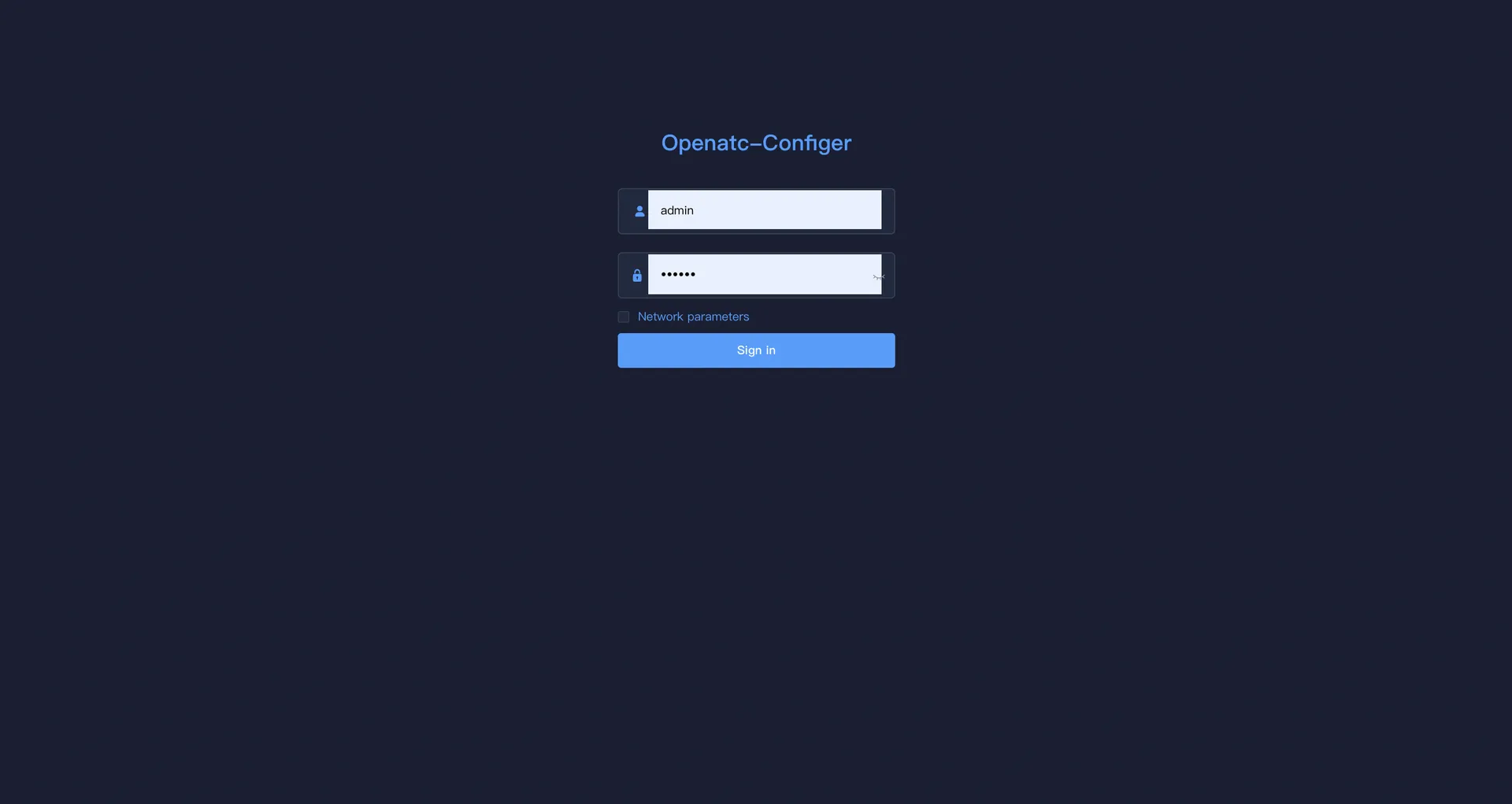
Enter the IP address of the device in the browser address bar to enter the web client login interface. Enter the user name and password to enter the client.
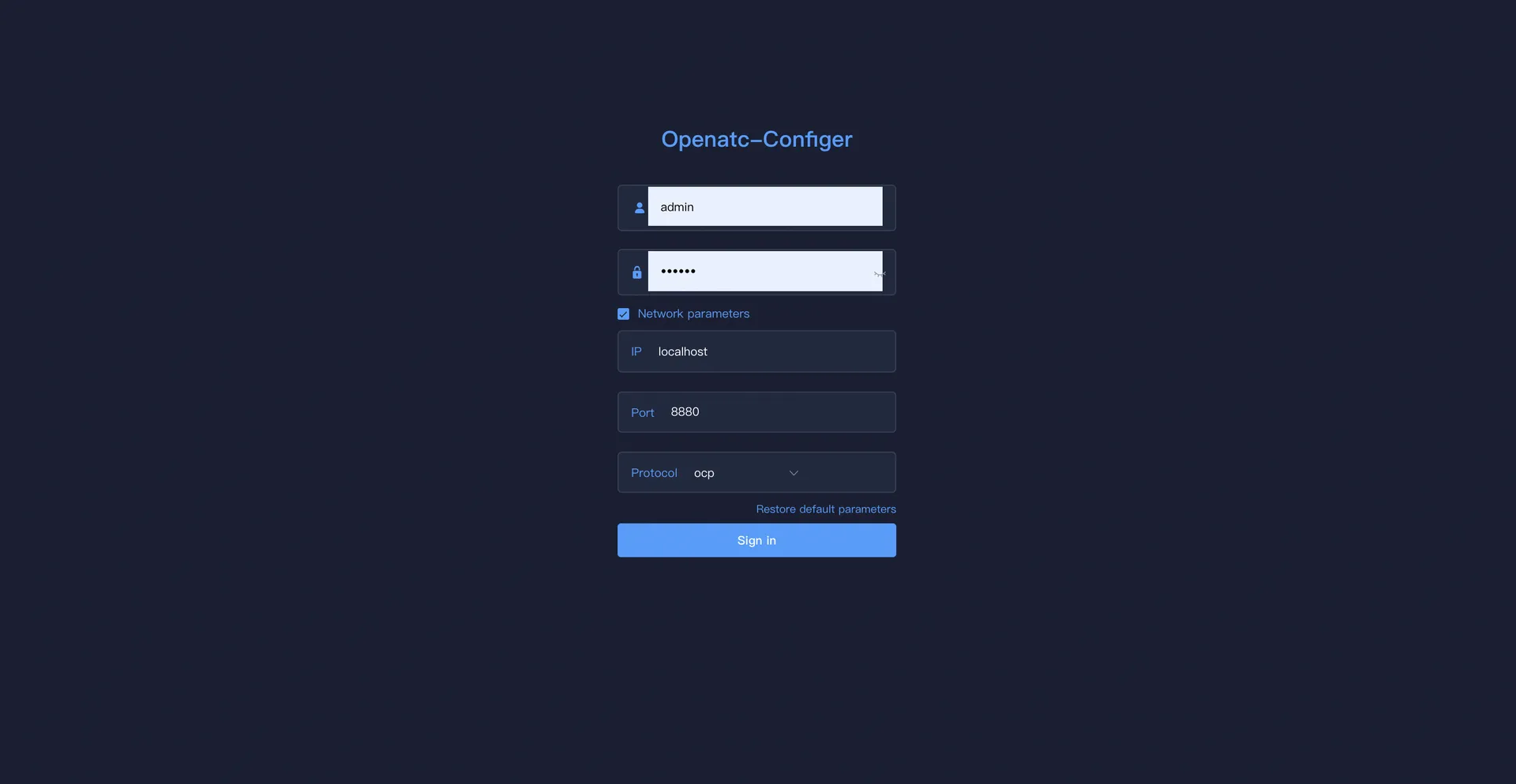
If you check the communication parameters, fill in the IP address, port and protocol (ocp, scp) and click login to enter the main interface.
After successfully logging in for the first time, enter the main interface of the system.
- Log out of the web client
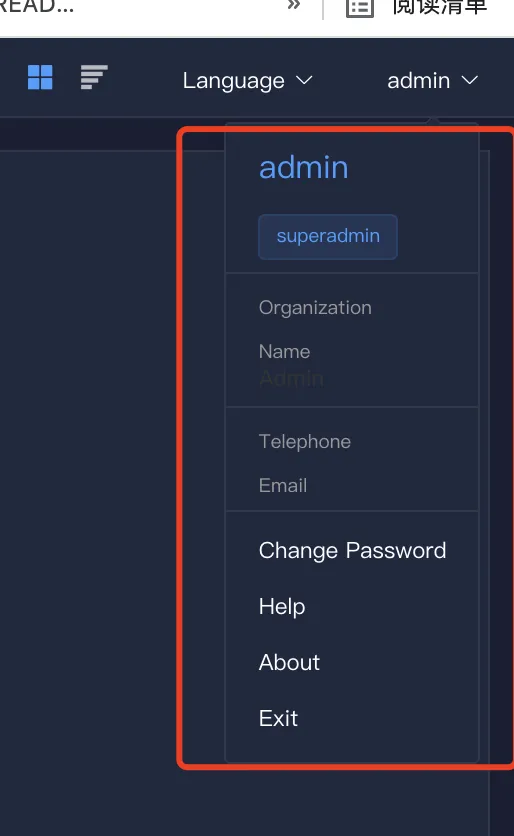
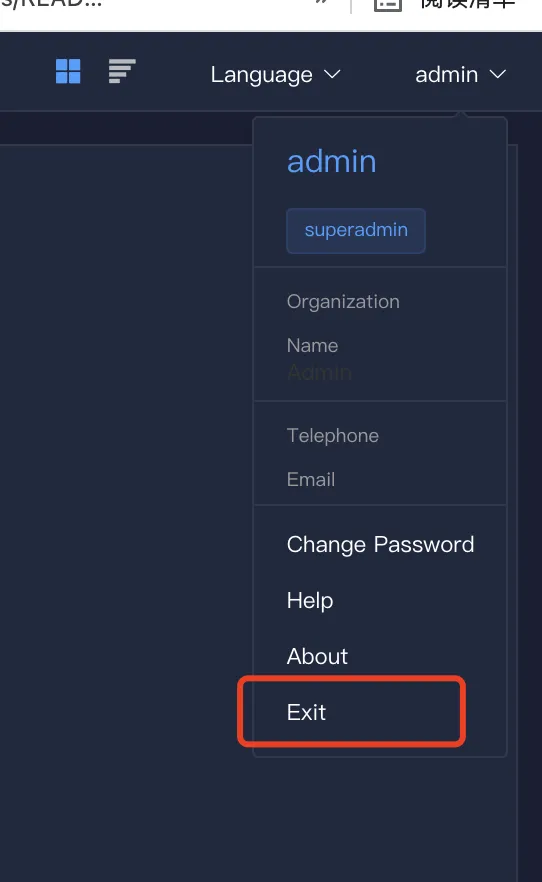
Click the triangle icon button under the user account in the upper right corner of the client operation interface to log out safely.
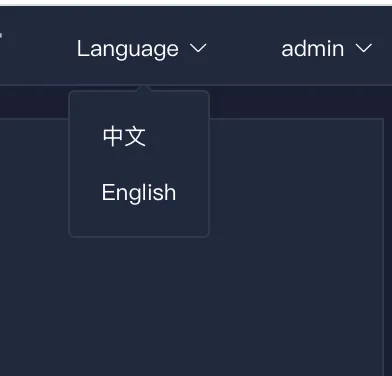
2.2 Language switch
Click the language triangle icon button in the upper right corner of the client operation interface to switch to the English interface.
2.3 User Info
Click the lower triangle icon button in the upper right corner of the client operation interface to view the user's name, phone number, and email information.