4. Intersection manager
4.1 Features
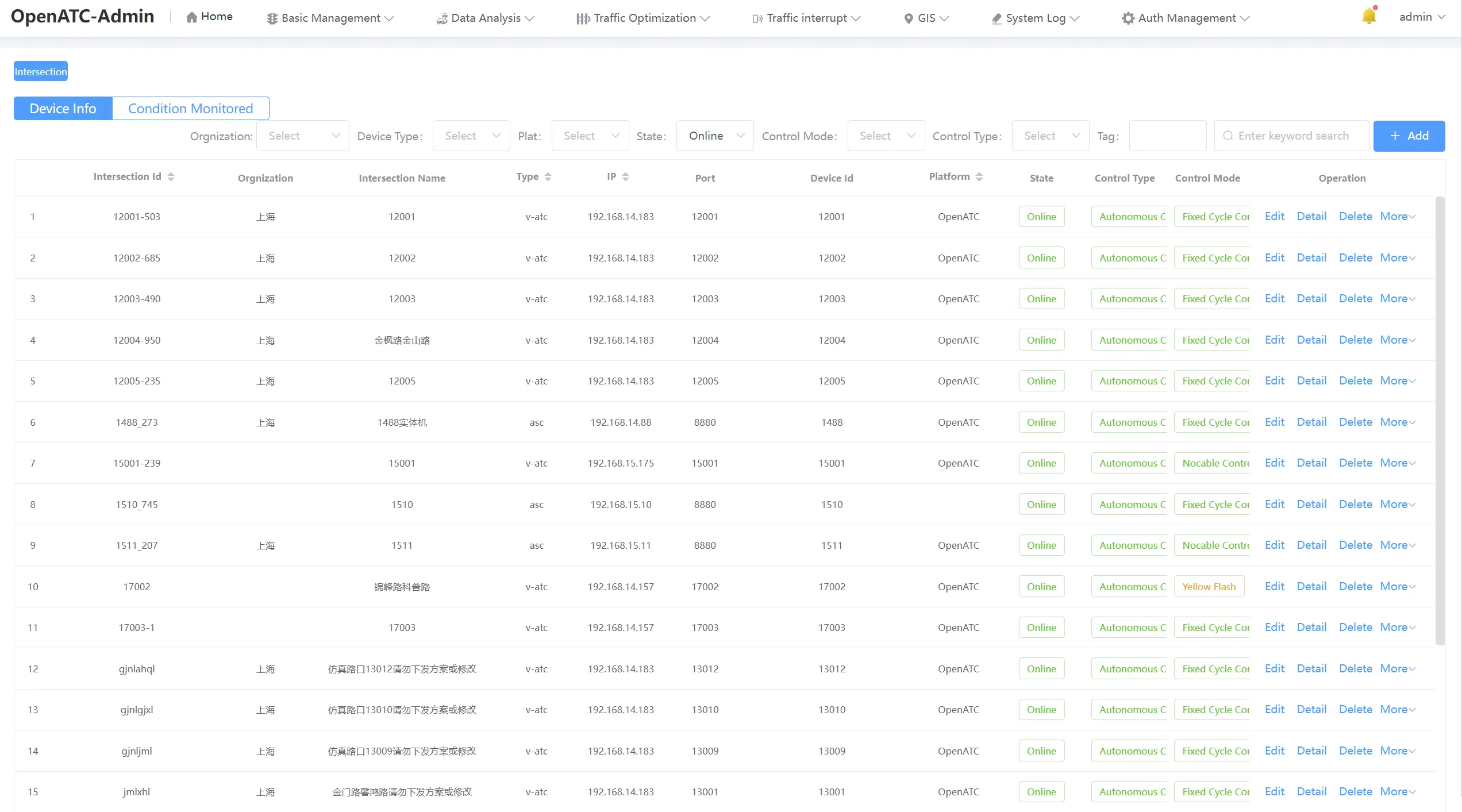
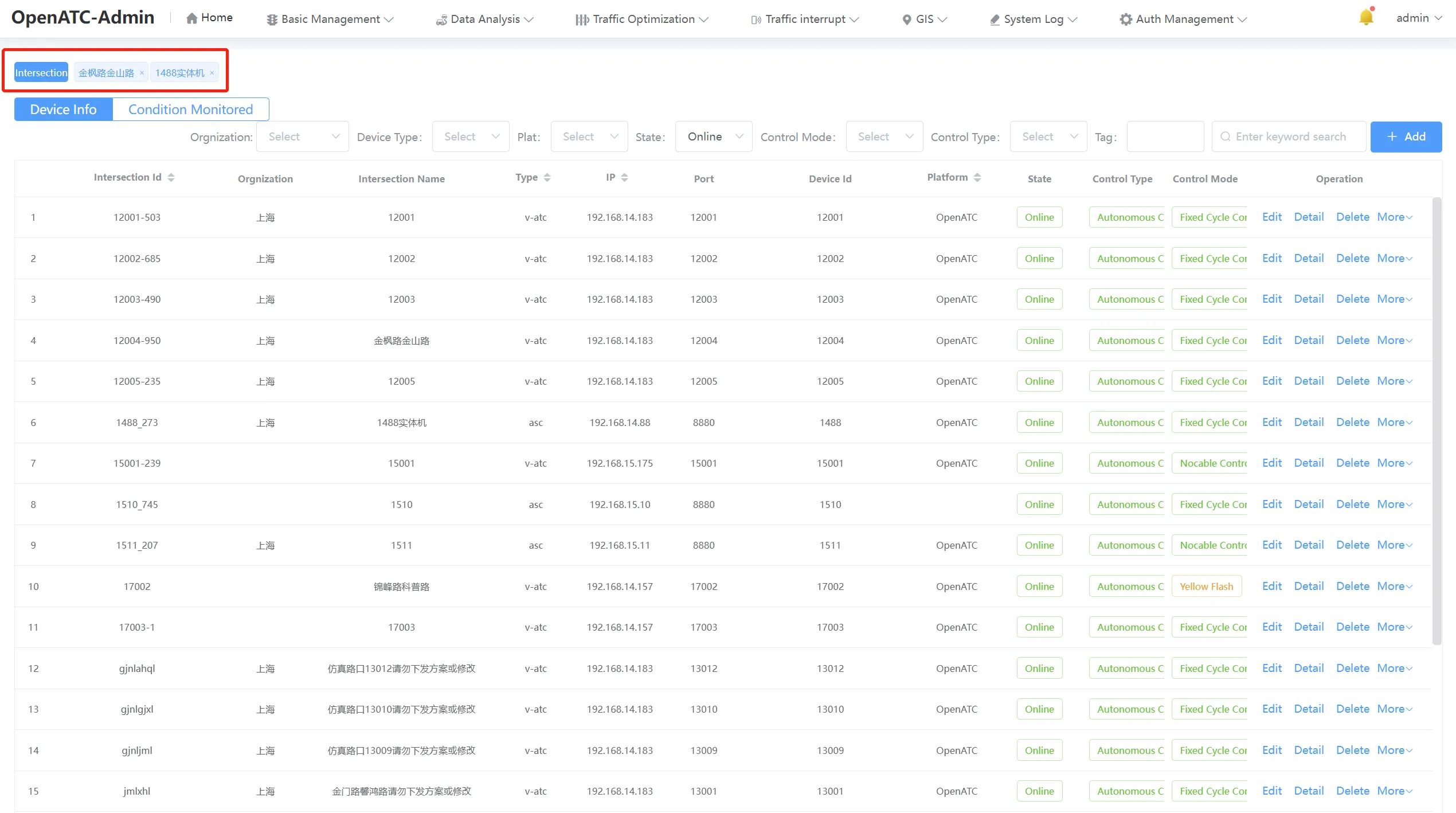
Click the menu bar "Basic Management - Intersection Manager" to enter the intersection management interface, the tab bar can open multiple devices, the current interface displays the intersection ID, intersection name, type, IP, port and other information, you can add, modify, delete, search, fault information view, status monitoring, control and other functions of equipment. Intersection management is the core functional module of OpenATC. It can be filtered and viewed according to the type, platform, status, control mode and control mode to which each intersection belongs.
Click More - Fault Information. The fault information dialog box is displayed, which contains fault information such as fault occurrence time, card type, main fault type, sub-fault type, fault value, and fault level.
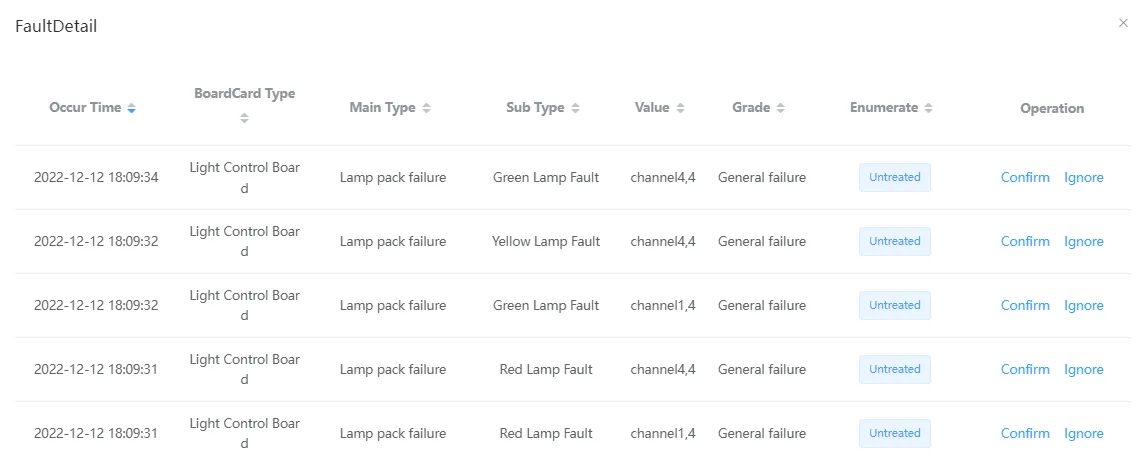
Click Ignore,the operation succeeds. The confirmation result of the fault information in the fault dialog box is Ignored. Click OK. The operation succeeds. The confirmation result of the fault information in the fault dialog box is Confirmed.
4.2 Intersection Information
4.2.1 Add Intersection
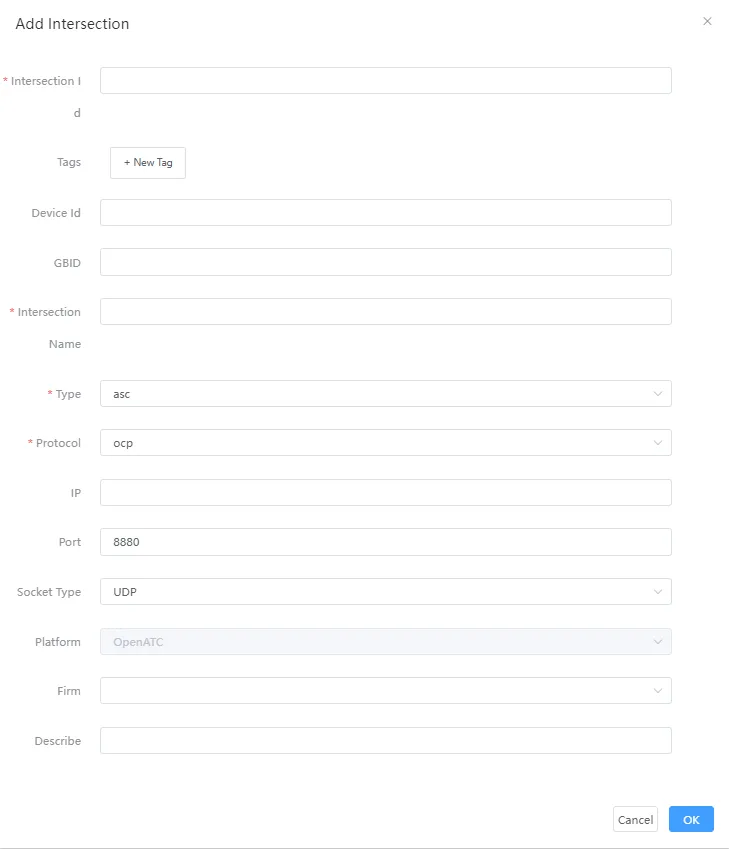
Click the "Add" button on the main page of intersection management to pop up the dialog box of new intersection. You need to enter the intersection ID, intersection name, type (ASC, SIMU, V-ATC), protocol (OCP, SCP), IP, and port (8880 by default, the port number is the port number assigned to the device, and the port number must be changed when the device changes). The intersection name is the description of the intersection where the device resides, and the type is ASC by default. By default, the protocol is OCP, the IP address is the IP address of the current host, and the port number is 8880. After filling in the device parameters, click Confirm. A new device is displayed in the list.
4.2.2 Edit Intersection
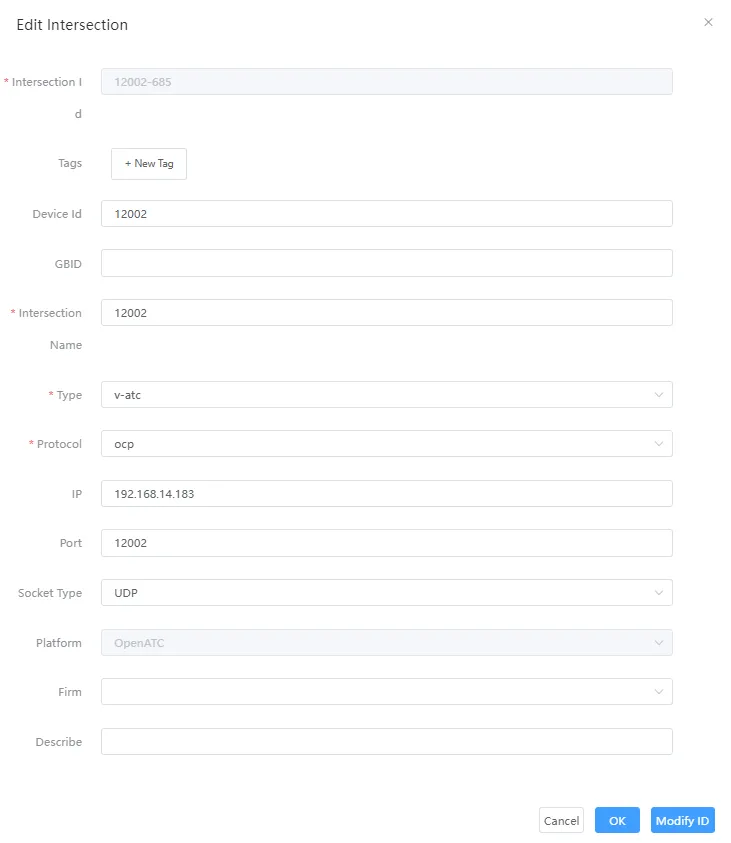
Click the "Edit" button on the main page of intersection management, and the edit intersection dialog box pops up. After filling in the intersection parameters, click "Confirm" to change the data in the list to the changed information.
4.2.3 Delete Intersection
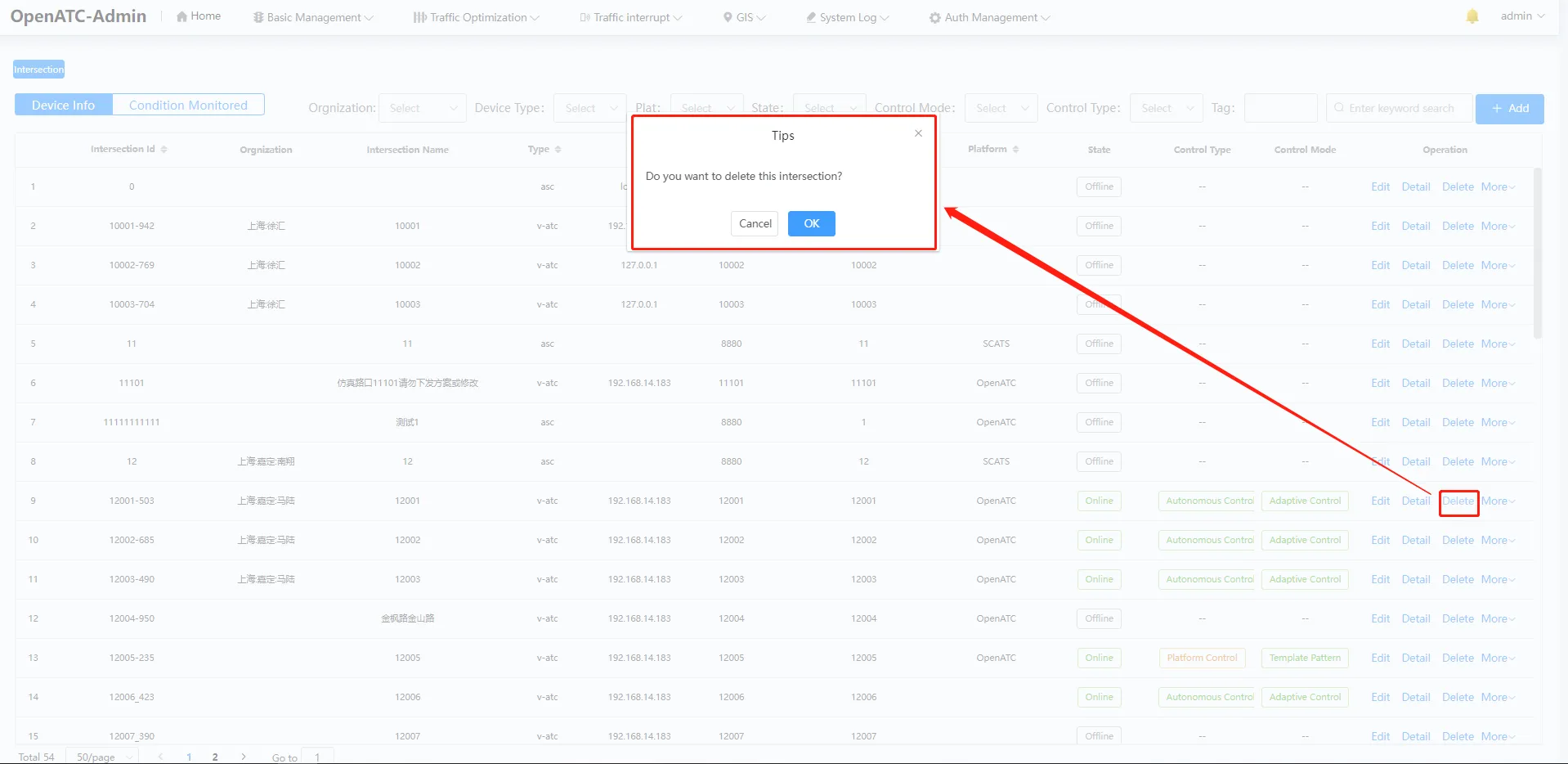
Click the "Delete" button on the main page of intersection management to pop up the pop-up box whether to delete this intersection. Click "Ok" to delete the current intersection, and the corresponding intersection in the list will be deleted.
4.2.4 Search Intersection
In the search box at the upper right corner of the intersection management homepage, enter the intersection ID, intersection name, and IP for fuzzy query.

4.3 Condition Monitored
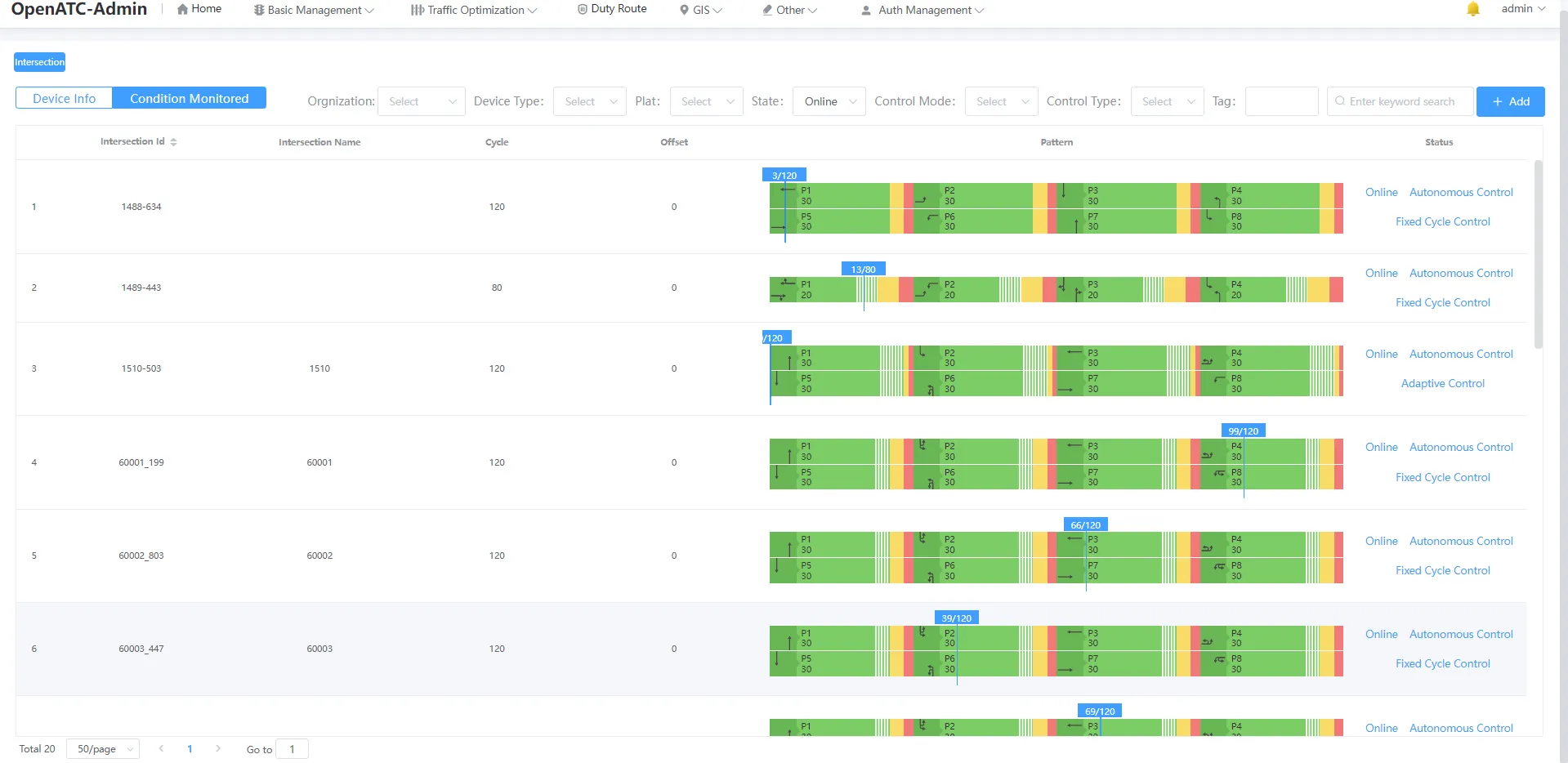
Click "Condition Monitored" to view the intersection ID, intersection name, period, phase difference, current status (online/offline), control mode, control mode, as well as the corresponding scheme diagram, the phase of the current operation and other information.