11. User Management
11.1 Overview
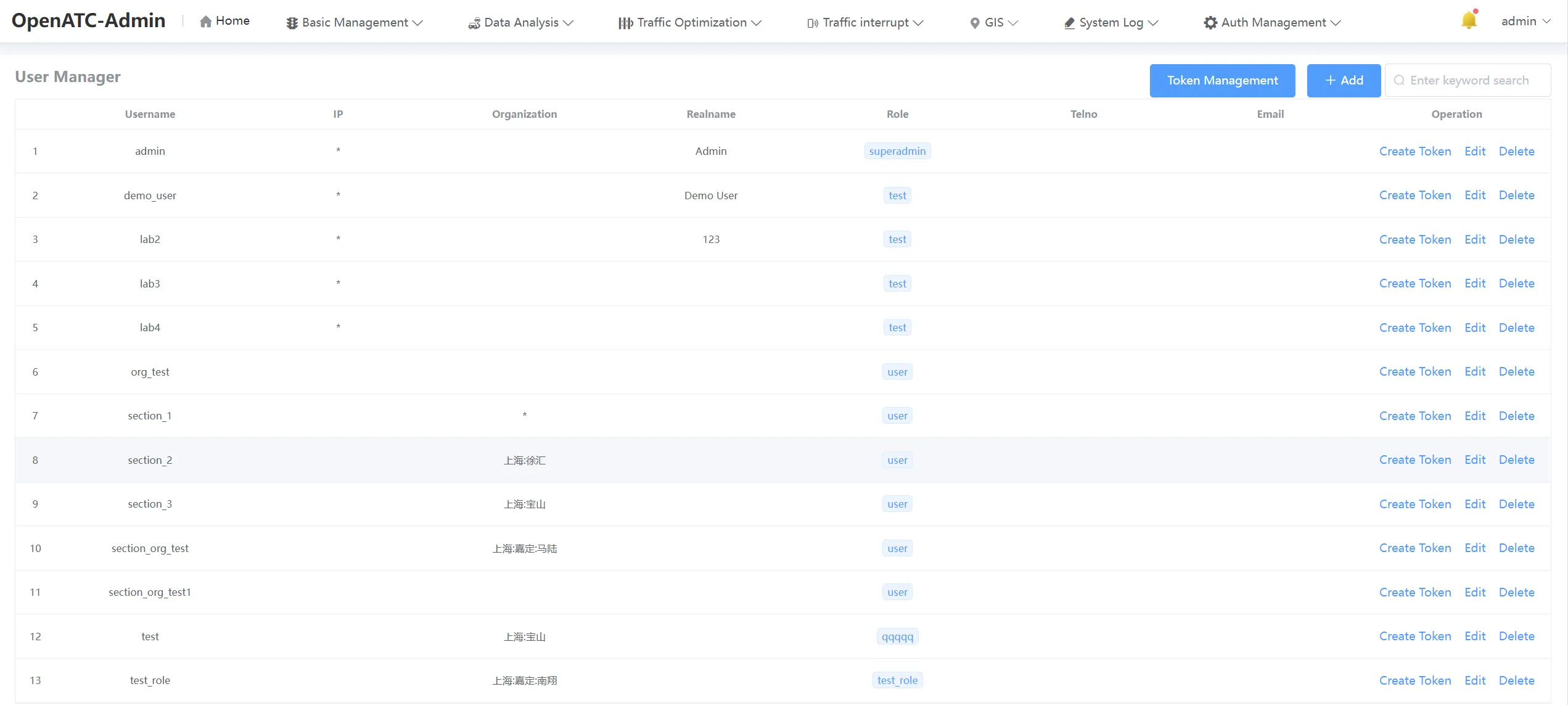
Click "Auth Management-User Manager" in the menu bar to enter the user management interface, you can add, authorize (no authorization to call the interface data), edit, delete and search for users.
11.2 User Operations
11.2.1 Add User
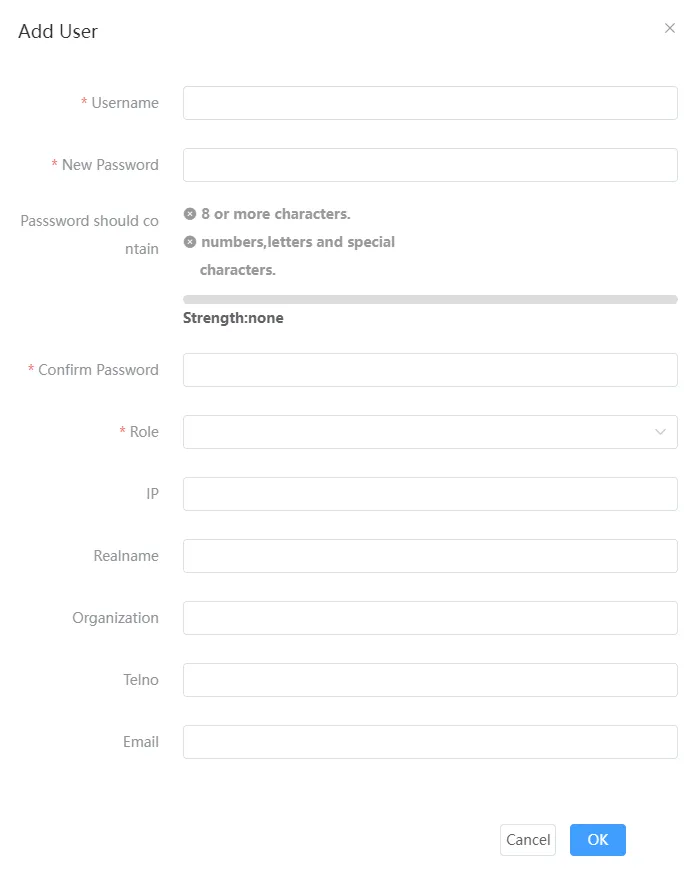
Click Add, fill in parameters such as user name, password, confirm password and role, and then click OK button to add a new user, which will be displayed in the list.
11.2.2 User Authorization
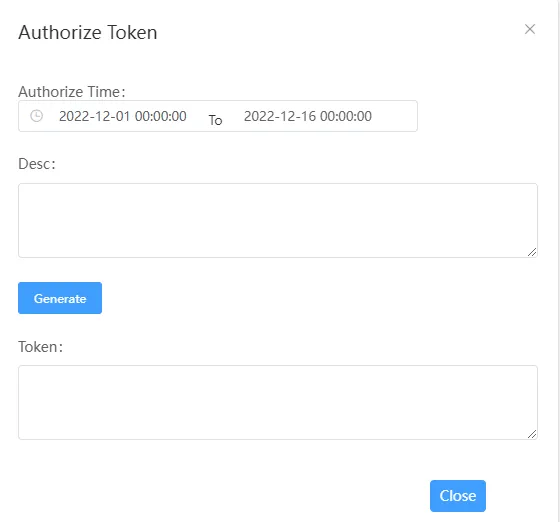
Click "Create Token", you can choose the start and end time of authorization, generate authorization (no authorization to call the interface data).
11.2.3 Edit User
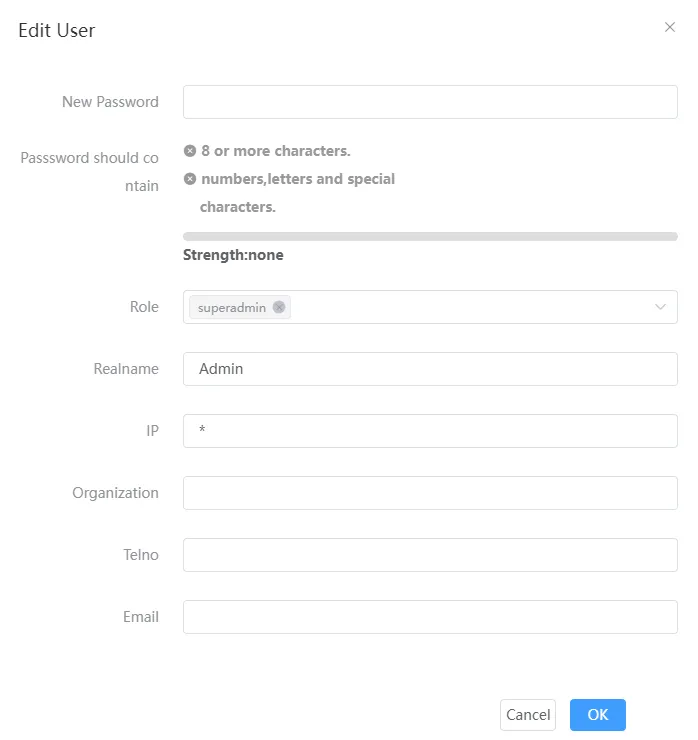
Click "Edit" to configure user-related information, including: password, role (superadmin, admin, user, testuser, expert, guest), real name, IP, organization, phone and email.
11.2.4 Delete User
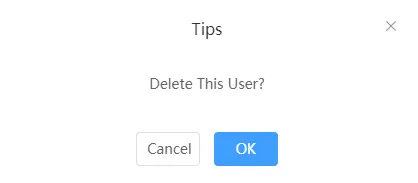
Click Delete to prompt whether to confirm the deletion of this user, click OK to delete this user, the data corresponding to the list is deleted.
11.3 Search Users
Search for users, enter the user name in the search box for a fuzzy query.

11.4 Token Management
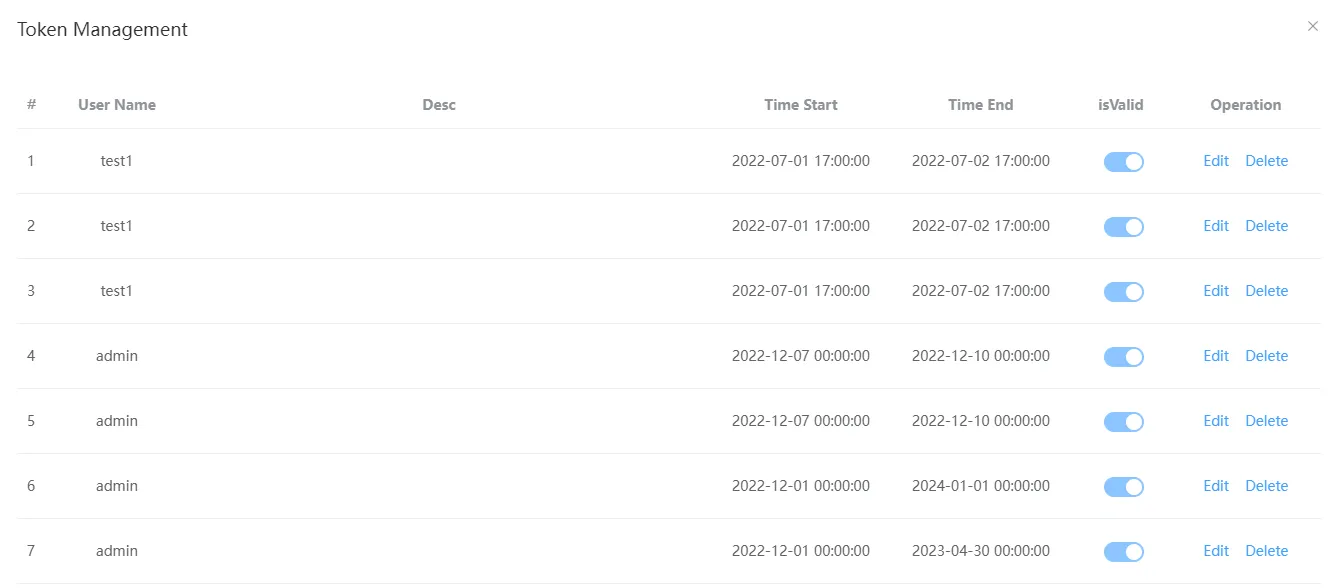
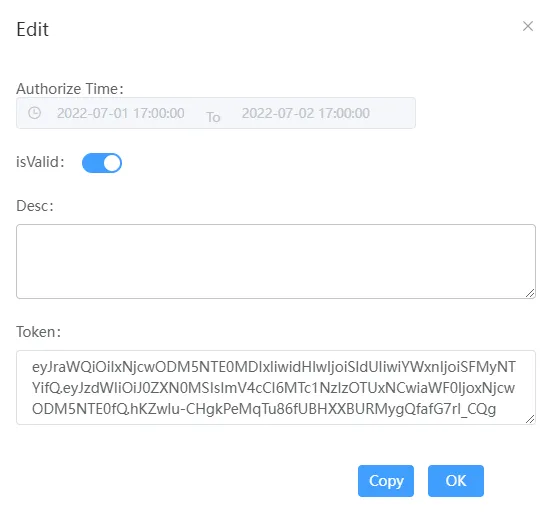
Click Token Management in the upper right corner to view the start and end times of authorized tokens, select whether to enable tokens, and copy, edit, and delete operations.