14. Role Config
14.1 Overview
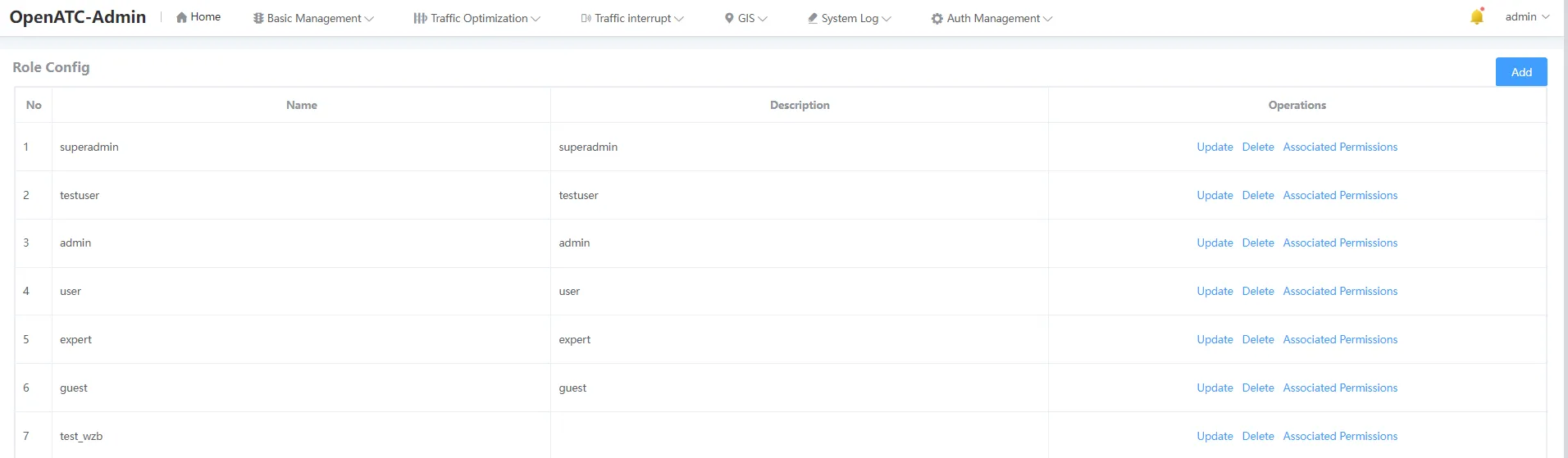
Click "Auth Management-Role Settings" in the menu bar to enter the role setting interface, and you can add, edit, delete, and search for roles.
14.2 Related Actions
14.2.1 Add Roles
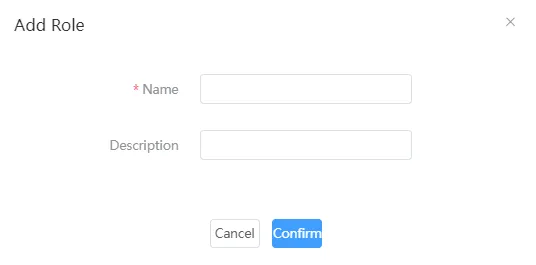
Click Add, fill in the parameters such as the role name and description, and click the OK button to add a role, which will be displayed in the list.
14.2.2 Edit Roles
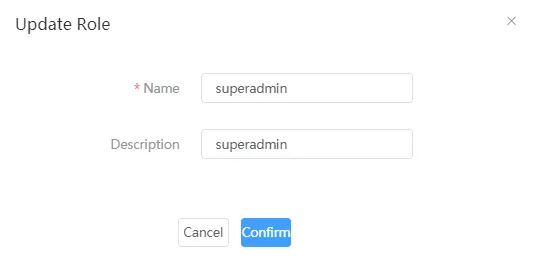
Click "Operation-Update" to configure the role-related information, including the name and description.
14.2.3 Delete Roles
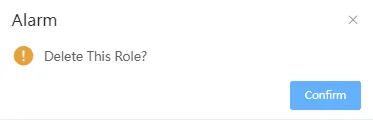
Click Delete to prompt whether to confirm the deletion of this user, click OK to delete this user, and the data corresponding to the list is deleted.
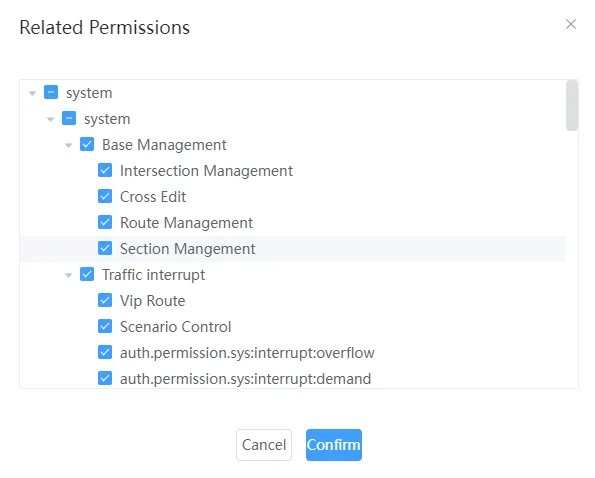
14.2.4 Associate Permissions
Associating permissions associates permissions to roles, and the organization can only see information about the devices associated with them.